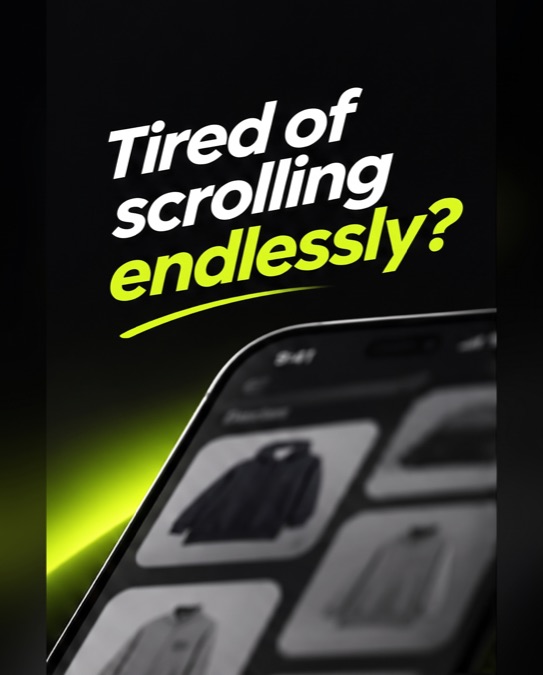
So are your shoppers. A long grid asks for nothing, so most people scroll, decide nothing and leave — and you never learn why.
yourstore.com/collections/all
48products scrolled
0decisions
Gone.Then they leave.
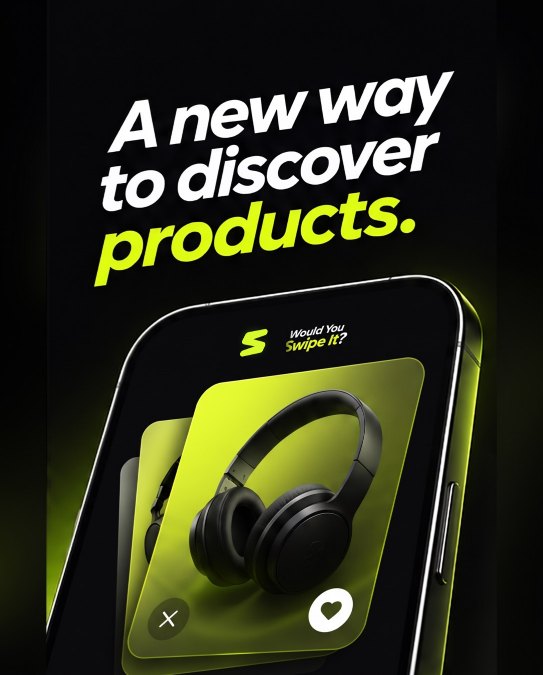
Swipe, don't scroll. Decide in a second.
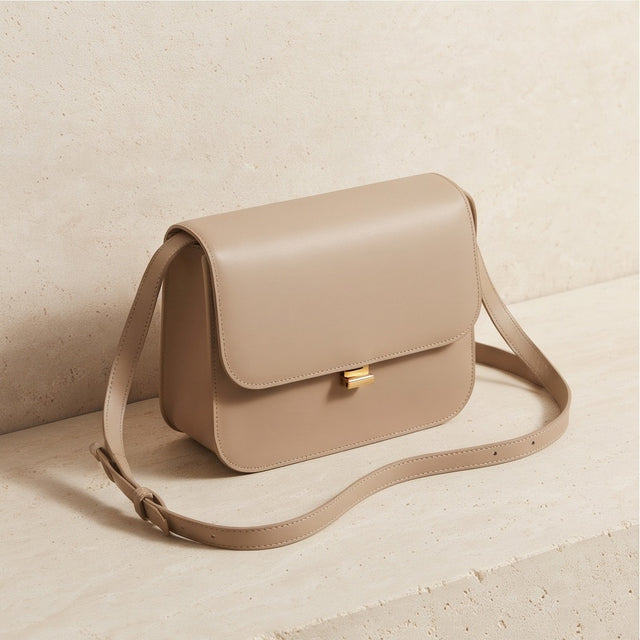
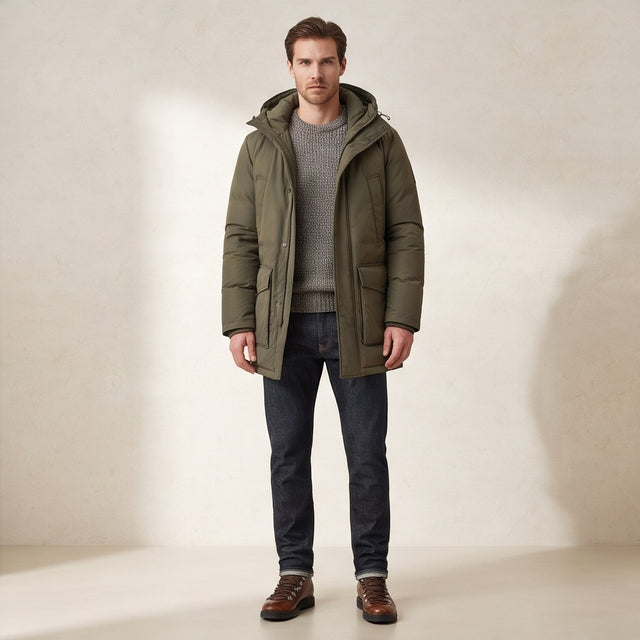
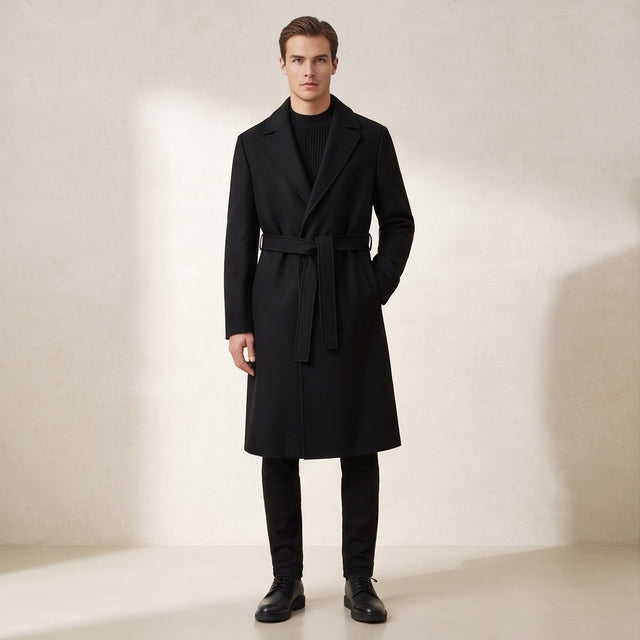
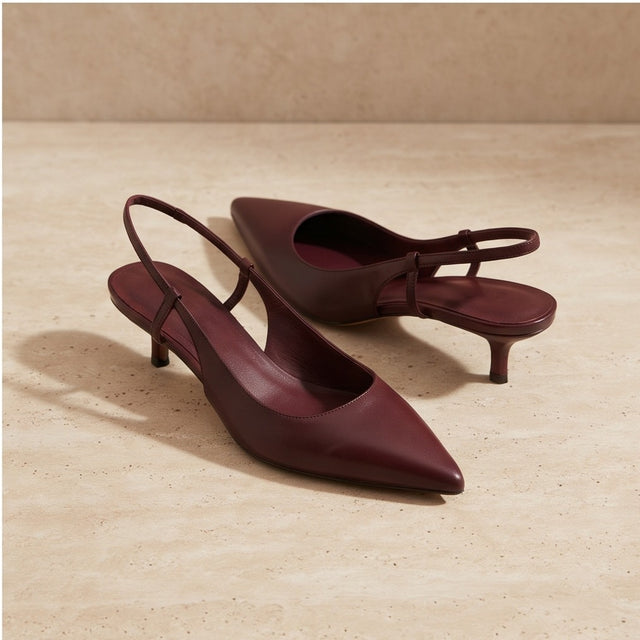
Your own products as full-size cards. Right to like, left to skip, one tap to the bag — shoppers decide instead of drifting.
SWIPE RIGHT • LOVE IT • SWIPE LEFT • SKIP IT • NOW SWIPEABLE • SWIPE RIGHT • LOVE IT • SWIPE LEFT • SKIP IT • NOW SWIPEABLE • SWIPE RIGHT • LOVE IT • SWIPE LEFT • SKIP IT • NOW SWIPEABLE • SWIPE RIGHT • LOVE IT • SWIPE LEFT • SKIP IT • NOW SWIPEABLE •
Every swipe tells you something.
Likes and skips turn into a product report in your Shopify admin. Compare likes and add-to-bag actions with Shopify orders from the last 60 days; customer-level matches are available only for logged-in shoppers and after you approve order access.
SWIPE RIGHT • LOVE IT • SWIPE LEFT • SKIP IT • NOW SWIPEABLE • SWIPE RIGHT • LOVE IT • SWIPE LEFT • SKIP IT • NOW SWIPEABLE • SWIPE RIGHT • LOVE IT • SWIPE LEFT • SKIP IT • NOW SWIPEABLE • SWIPE RIGHT • LOVE IT • SWIPE LEFT • SKIP IT • NOW SWIPEABLE •
Live in three steps.
Install
Add the app from Shopify and approve the plan. Shopify handles the billing.
Approve plan
Switch on
Turn on one app embed in your theme editor and press Save. No code, nothing to undo.
Enable app embed
Learn
Shoppers start swiping. Likes, skips and reasons appear in your admin the same day.
Open Insights
Easy for shoppers. Clear for you.
For your shoppers
A faster way to decideOne full-size product at a time instead of an endless grid.
Fun, familiar gestureRight to like, left to skip — the swipe they already know.
Add to bag in one tapNo detour through the product page when they're ready.
Likes are keptEvery right swipe lands in their favourites for later.
For your business
Live in minutesOne switch in your theme editor. No code, nothing to undo.
More products seen per visitDesigned to show more of your catalogue in less time.
Clear intent on every productEach swipe is a like or a skip you can read.
Know why products don't sellSkip reasons, logged-in customers vs visits, by segment.
Shopify orders, comparedCompare likes and add-to-bag actions with orders from Shopify’s last 60 days. Customer-level matches require logged-in shoppers and approval of the read_orders scope.
Last 60 days, CSVChoose a period inside Shopify’s available order window and download the report.
First 100 stores: €5 every 30 days or €50 per year. Billed by Shopify; applicable taxes are added by Shopify. No free trial.
Fair questions.
Where does the Swipe button appear?
On your collection and product pages. Shoppers switch between Swipe and your normal grid at any time.
Do I need to edit my theme code?
No. You switch on one app embed in the theme editor and press Save. Turning it off removes it.
What exactly do I learn?
Views, likes, skips and add-to-bag per product, the reasons shoppers give for skipping, logged-in customers versus anonymous visits, customer segments, devices and any date range — with CSV export.
Which products and filters does it use?
Your own: your products, your navigation menu and your Shopify Search & Discovery filters.
Does it work on phones and computers?
Yes. Swipe with a thumb on mobile, or drag and use the buttons on desktop.
What about privacy and cookies?
Shopper feedback is sent only when your store's cookie consent allows analytics. We never collect names, emails or addresses.
How does billing work?
Shopify bills you: €5 every 30 days or €50 per year for the first 100 stores, plus applicable tax. There is no free trial. Cancel any time in the app or by uninstalling.
Do you work with agencies and brands?
Yes. If you run several stores or build stores for clients, write to us and we will help you set it up.
Would you swipe it?
Give your shoppers a faster way to decide — and your business a clear view of why. Switch it on in minutes.


 HomeSettingsPlan